Video Marketing on Real Estate Websites
NAR data puts videos at 29% “very useful” while 52% of buyers used an online video site. How to embed video without wrecking page speed, and mark it up properly.
Video is the most requested listing upgrade and the easiest one to get wrong. Agents either skip it because editing feels expensive, or embed a full YouTube player on every listing page and quietly hand a second or two of load time to Google's servers. The data says video earns a place on the page; the engineering says it should never be the reason the page is slow.
This guide uses NAR's buyer research to show where video actually ranks, then covers the two technical decisions that decide whether it helps or hurts: how the player is embedded, and how the video is marked up so search engines can read it.
What buyers say about video, in context
In NAR's 2026 generational report, 29% of buyers rated videos as "very useful" on a website (NAR 2026 Home Buyers and Sellers Generational Trends). The 2025 edition of the same study produced the identical 29% (NAR 2025 Profile of Home Buyers and Sellers). That consistency is the interesting part: this is not a number that swings year to year.
Read the 29% next to its neighbours and the picture sharpens. Photos sit at 81% and detailed property information at 77% — nobody is going to beat photos with video. But videos land in the same band as interactive maps (29%) and ahead of open-house information (24%), and they trail floor plans (57%) and virtual tours (38%).

The second dataset is the one that changes how much video deserves. Asked which information sources they used during the search, 52% of buyers named an online video site — behind only real estate agents (85%) and mobile or tablet devices (70%), and ahead of open houses (48%) and yard signs (32%) (NAR 2026).

Put plainly: buyers are already watching property video, mostly somewhere other than your website. That is the gap worth closing. If the video habit exists and your site has no video, you are not competing for the attention — you are relying on a third-party platform to send it back to you.
Where video earns its place
Not every page needs video, and a site where every listing carries a two-minute film is a site that will stop being updated by month three. Four placements do most of the work:
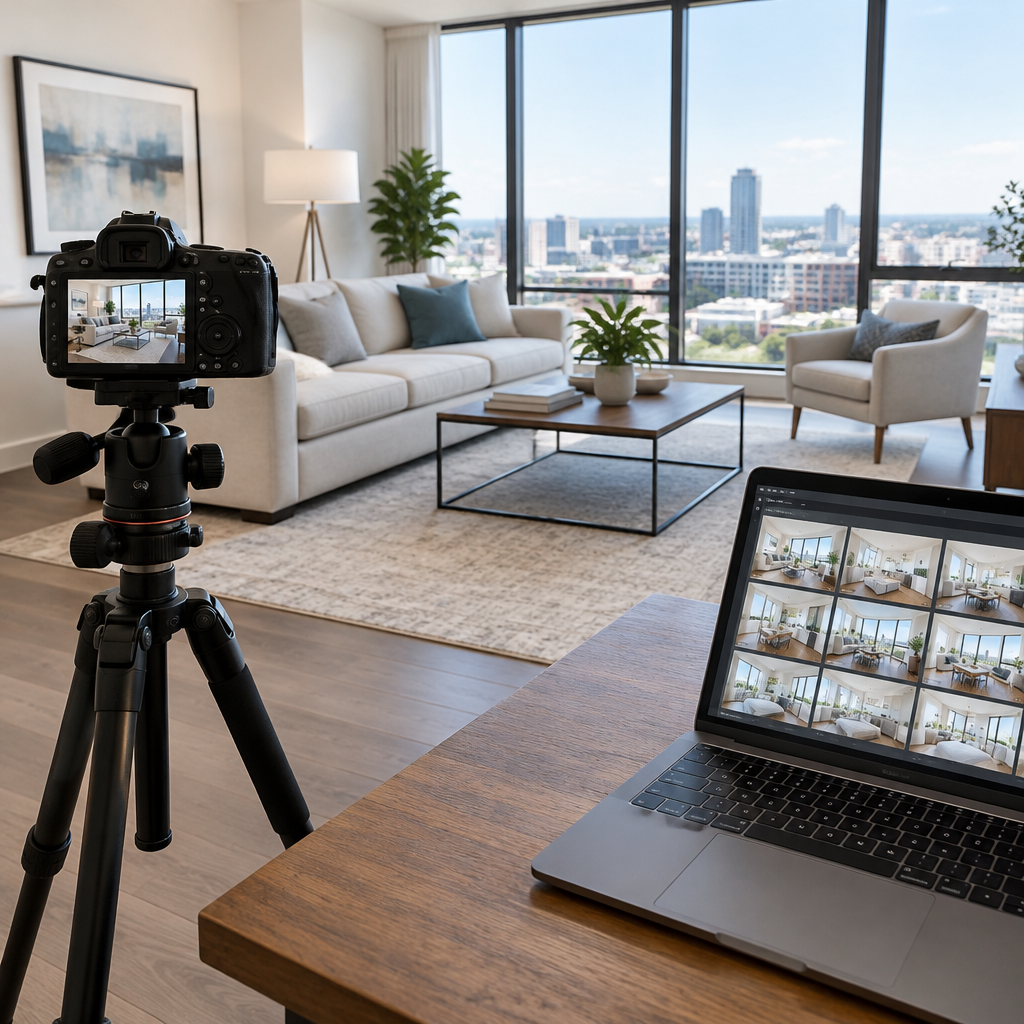
- Listing pages, one video each. A walkthrough shot on a phone, stabilised, no music, no captions burned in — just the rooms in a logical order and the agent talking through what the photos cannot show (light at different times of day, street noise, storage).
- Area and neighbourhood pages. Buyers rate neighbourhood information at 34% "very useful" (NAR 2026). A two-minute walk down the high street answers questions a paragraph cannot.
- The agent introduction. One video, reused for years, on the about page and in the first email reply. This is a trust asset, not a marketing campaign.
- The buying or selling process. Explaining what happens between offer and handover reduces the repetitive phone calls that eat an agent's week.
What video does not fix is a thin listing. If the photos are dark and the description is three lines, a video will simply document the same problem in motion.
The performance trap: an embedded player is an app
A standard YouTube embed is not an image. It is an iframe that pulls in the player script, its styles, its fonts and its network requests, all from a third-party domain, and it does that on page load whether or not anyone presses play. On a listing grid with six videos, that cost is paid six times.
The fix is a pattern usually called a facade or a lite embed: render a still thumbnail with a play button in your own HTML and CSS, then swap in the real player only when the visitor clicks. The page load carries one compressed image; the third-party requests arrive only for people who asked for video. Your thumbnail should be the video's own poster frame, sized and compressed like any other listing photo — not the full-resolution original.

Three practical rules follow from this:
- Never autoplay a listing video on a page with other content. It competes with the photos and forces the player to load immediately.
- Set explicit width and height on the video container so the thumbnail does not jump when the player replaces it. Layout shift on a listing page is a visible defect, and it is entirely avoidable with a fixed aspect ratio.
- Consider YouTube's privacy-enhanced domain (
youtube-nocookie.com), which defers some cookies until playback starts. It is a reasonable default for European and UAE audiences where consent is a live question — but confirm your own consent obligations rather than treating it as a complete solution.
Marking up video so search engines understand it
Google's documentation for video structured data is specific about why markup is worth the effort: it lets you influence the description, thumbnail, upload date and duration shown in video results, and it helps Google find the video at all (Google Search Central: Video structured data). Marked-up videos can surface in the main results page, Video mode, Google Images and Discover.
The markup type is VideoObject, applied to the page where the video is the main content — typically your own video watch page rather than the listing page that merely embeds it.
| Property | Status | What it carries |
|---|---|---|
name | Required | The video's title |
thumbnailUrl | Required | A crawlable thumbnail image URL |
uploadDate | Required | When the video was published |
contentUrl or embedUrl | Required (one of) | The video file, or the player URL |
description | Recommended | Summary shown with the result |
duration | Recommended | Length in ISO 8601 format |
hasPart / Clip | Optional | Named key moments inside the video |
Two features are worth knowing about even if you never use them. BroadcastEvent adds a LIVE badge to genuinely live streams, and Clip markup lets you define key moments — the chapter-style links Google shows inside a video result. Google also reads timestamps from a YouTube description if the video is hosted there, which is the cheapest route to key moments for most agents. If you would rather opt out of the feature entirely, the nosnippet meta tag does that.
For accessibility, add captions and publish a transcript on the page. WCAG's captions requirement for prerecorded audio content is Level A, the base level, not an enhancement (W3C: Understanding Success Criterion 1.2.2) — and the transcript doubles as indexable text, which a video file alone never provides.
A workflow that survives a busy month
- Shoot one video per listing, on the same day as the photos. Same visit, same light, no separate trip.
- Keep it to 60–90 seconds. Rooms in walking order, then a single closing shot. Longer is not better; complete is better.
- Record audio. Silent walkthroughs with a music bed tell a buyer nothing they could not see in the photos.
- Name files and titles for humans. "Two-bedroom apartment with balcony, Dubai Marina" beats "VID_20261112".
- Upload once, embed everywhere. The same file serves the listing page, the area page and the social post; only the wrapper changes.
- Check the page after adding video. Load it on a mid-range phone over mobile data, not on office wifi.
Key takeaways
- 29% of buyers rate website videos "very useful", stable across NAR's 2025 and 2026 reports — meaningful, but behind photos (81%), property details (77%) and floor plans (57%).
- 52% of buyers used an online video site during their search, so the audience already exists; the question is whether your site captures any of it.
- A raw YouTube iframe loads a third-party application on every page view. Use a poster image plus click-to-load so only viewers pay that cost.
- Mark video pages with
VideoObject(name,thumbnailUrl,uploadDateand a content or embed URL at minimum) to control how the video appears in Google results. - Captions and transcripts are a Level A accessibility requirement and give search engines text to read.
Next step
If your listings already have video, the fastest win is technical: move the embeds to click-to-load, add VideoObject markup to your video pages, and check the listing template on a real phone. If you are starting from zero, begin with one walkthrough per listing and an area video for your main neighbourhood — then let the pages do the work. When buyers are ready to browse, send them to UAE Realty, where property seekers can search listings by area and list a property of their own.
Sources
- Home Buyer and Seller Generational Trends (2026) — National Association of Realtors · accessed 21 Nov 2026
- Highlights from the Profile of Home Buyers and Sellers (2025) — National Association of Realtors · accessed 21 Nov 2026
- Video (VideoObject, Clip, BroadcastEvent) structured data — Google Search Central · accessed 21 Nov 2026
- Understanding Success Criterion 1.2.2: Captions (Prerecorded) — W3C WAI · accessed 21 Nov 2026