How to Add Virtual Tours to Your Real Estate Website
What buyers do with virtual tours, what hosting costs in 2026, and how to embed a 360 tour without slowing your listing pages down.
Most property searches now begin on a screen, and buyers form an opinion about a listing long before they book a viewing. A virtual tour is the closest a website can get to opening the front door — but only when it is placed sensibly, loads fast, and does not drag down the rest of your listing pages. This guide covers what buyers actually do with tours, what the main tools cost as listed in November 2026, and how to embed one without wrecking your page speed.
What buyers do with virtual tours
The National Association of Realtors asks recent buyers to rate website features as "very useful". In the 2025 edition, photos lead at 83% and detailed property information follows at 79%, while virtual tours land at 41% — ahead of videos (29%) and open-house information (24%), behind floor plans (57%) (NAR 2025 Profile of Home Buyers and Sellers). The 2026 Generational Trends report puts virtual tours at 38% on the same question (NAR 2026 Home Buyers and Sellers Generational Trends).

Read that honestly. A tour is not the single most important thing on a listing page, and no amount of 3D will rescue bad photography or thin descriptions. But two in five buyers calling it very useful is a large minority — and on a page where your listing is one of several tabs open, it is a real differentiator.
Why a tour changes the viewing maths
The same NAR research shows buyers search for a median of 10 weeks and view a median of 7 homes, with 55% saying that finding the right property was the hardest part of the process. Internet was the source where 51% found the home they eventually bought, and 43% said their first step was looking online for properties.
That combination — many weeks, few physical viewings — is exactly the problem a tour solves. It acts as a filter before the appointment, so the viewings you do attend are more likely to be serious. It also matters for overseas and relocating buyers who cannot easily drop in on a Saturday.
Choosing how to capture the space
There are three practical routes, plus paying someone to do it for you.
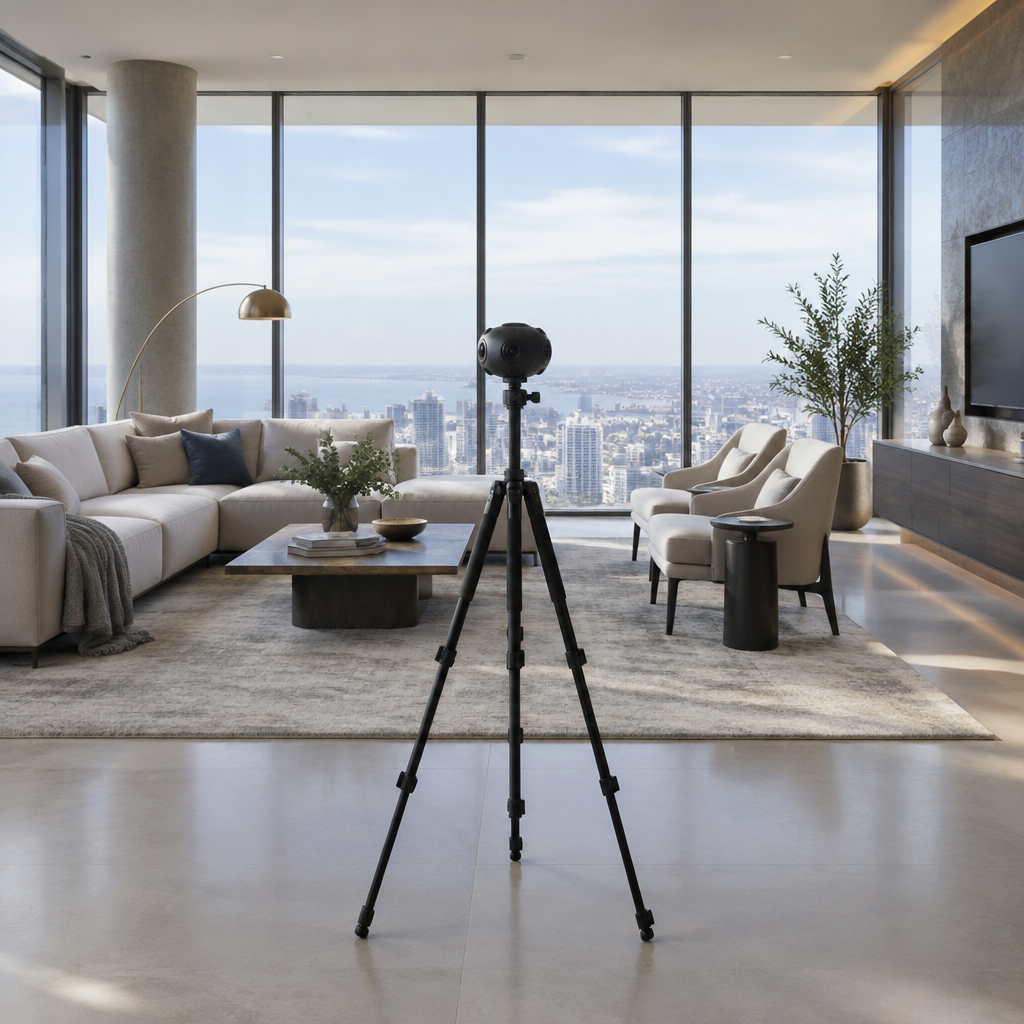
- LiDAR scanning. Matterport's Pro3 camera produces measured digital twins, with room and object measurements, automatic photo galleries, guided tours and floor-plan exports; its plans support the Pro2 and Pro3 cameras (Matterport plans and pricing). Matterport also offers capture services through technicians in more than 700 cities, which matters if you have listings in a market where you have no kit or no time.
- 360 camera plus self-serve hosting. Kuula accepts 360 content and its tour editor links panoramas into walkthroughs with hotspots, custom hotspot icons, audio clips and voice-overs (Kuula pricing).
- Phone only. CloudPano lets you capture with any 360 camera, a video or its mobile app, then upload, connect scenes and publish — with an embed code generated for you and no plugin required (CloudPano).
Whichever you pick, the workflow is the same: capture, host, configure, embed, measure. Steps four and five are where most estate agency websites go wrong.

What hosting actually costs
Prices below are list prices shown on each vendor's own pricing page in November 2026 (accessed 2026-11-21), in the vendor's currency. Plans differ substantially in scope, so compare features rather than headline price. Conversions use the UAE dirham's fixed peg of 1 USD = 3.6725 AED.
| Route | Plan and list price | Roughly in AED | Best suited to |
|---|---|---|---|
| Kuula Basic | $0/month, up to 300 posts and 100 uploads per month | AED 0 | Testing whether tours help your listings at all |
| Kuula Pro | $20/month | AED 73 | Individual agents producing tours regularly |
| CloudPano Pro Plus | $33/month, billed yearly | AED 121 | Fast single-property tours from a phone |
| Kuula Business | $36/month | AED 132 | Teams wanting tours on their own domain |
| Matterport Professional | $90/month for 10 spaces, up to $585/month for 150 | AED 331 – AED 2,148 | Premium listings that need measurements and floor plans |
Matterport's yearly option is advertised as saving 16% — its 10-space plan is shown at $108/month reduced to $90/month, billed $1,080 per year. Its turnkey Pro3 Plus package is listed at $1,995 (down from $4,495) when bundled with the Professional 50 plan, or $245/month for 24 months.

For context, NAR's 2025 Technology Survey found 34% of REALTORS spend between $50 and $250 a month on technology and 24% spend more than $500 (NAR 2025 REALTORS Technology Survey). A $20–36 hosting line sits comfortably inside the most common bracket; a $245 LiDAR plan only makes sense if you attach it to listings where the fee justifies it.
Embedding the tour without breaking the page
Every platform above hands you an embed snippet, usually an <iframe>. Three things separate a good embed from a bad one.
- Reserve the space. Wrap the iframe in a container with a fixed 16:9 aspect ratio so the page does not jump while the player loads. Layout shift is one of the Core Web Vitals, and a collapsing tour block is a reliable way to generate it.
- Give it a name. An iframe needs a
titleattribute describing what it contains, because screen-reader users otherwise hear an unnamed frame. WCAG 2.2 requires a text alternative for non-text content (WCAG 2.2). - Never autoplay with sound, and always show a still poster frame of the first room with a clear "Start tour" button. A wall of unexplained motion is the fastest way to lose a buyer on mobile data.
If the tour must appear high on a mobile listing page, load a poster image and only inject the iframe when the visitor taps it. That click-to-load pattern keeps the third-party player's JavaScript off the critical path entirely.
Lazy-loading: use it, but not everywhere
Browser-level lazy loading is standardised for iframes as well as images: adding loading="lazy" lets the browser defer offscreen content until the user scrolls near it (web.dev: browser-level image lazy loading).
The same documentation carries a warning that gets ignored constantly: do not lazy-load images likely to be in the viewport when the page loads, especially the Largest Contentful Paint image. So the rule for listing pages is:
- Tour embedded below the fold →
loading="lazy"on the iframe, or click-to-load. - Tour as the hero of the listing page → load it eagerly, or better, keep the hero as a fast photograph and place the tour lower.
- Never lazy-load the main property photo, the price panel or your enquiry form.
Measure whether it earns its place
A tour you cannot measure is a cost, not a marketing asset. Track three numbers per listing: tour starts, share of viewers who reach three or more scenes, and enquiries from pages that contain a tour versus pages that do not. Matterport plans include visitor traffic and analytics, Kuula Business integrates with Google Analytics, and CloudPano lets you add Google Analytics to a tour — so the data is available without extra tooling.
A tour that gets opened and abandoned after one scene usually means a bad opening view or a slow player. Both are fixable, and neither will show up if you only look at page views.
Key takeaways
- Virtual tours are rated very useful by 41% of buyers (2025) and 38% (2026) — behind photos and floor plans, ahead of video.
- Self-serve hosting starts at $0 and runs to about $36/month; LiDAR plans start at $90/month for 10 spaces.
- Buyers view a median of 7 homes over 10 weeks, so a tour's real job is filtering viewings, not decorating the page.
- Embed at 16:9 with a descriptive iframe
title, a poster frame, and no autoplay audio. - Lazy-load offscreen tours, but never lazy-load the page's main image or enquiry form.
- Track tour starts, scenes reached and enquiries — otherwise you cannot tell whether it works.
This article is general guidance on web implementation, not legal, accessibility-compliance or valuation advice.
Next step
If you are listing property in the UAE, a tour is only half the job — the other half is a listing page that loads quickly, shows the price and floor plan clearly, and makes it obvious how to enquire. Browse properties on UAE Realty to see how listings are presented, and when you are ready, list your property with a tour attached from day one.
Sources
- Highlights from the Profile of Home Buyers and Sellers — National Association of Realtors · accessed 21 Nov 2026
- Home Buyers and Sellers Generational Trends — National Association of Realtors · accessed 21 Nov 2026
- REALTORS Technology Survey — National Association of Realtors · accessed 21 Nov 2026
- Plans and Pricing — Matterport · accessed 21 Nov 2026
- Pricing — Kuula · accessed 21 Nov 2026
- 360 Virtual Tour Software — CloudPano · accessed 21 Nov 2026
- Browser-level image lazy loading for the web — web.dev (Google) · accessed 21 Nov 2026
- Web Content Accessibility Guidelines (WCAG) 2.2 — W3C · accessed 21 Nov 2026