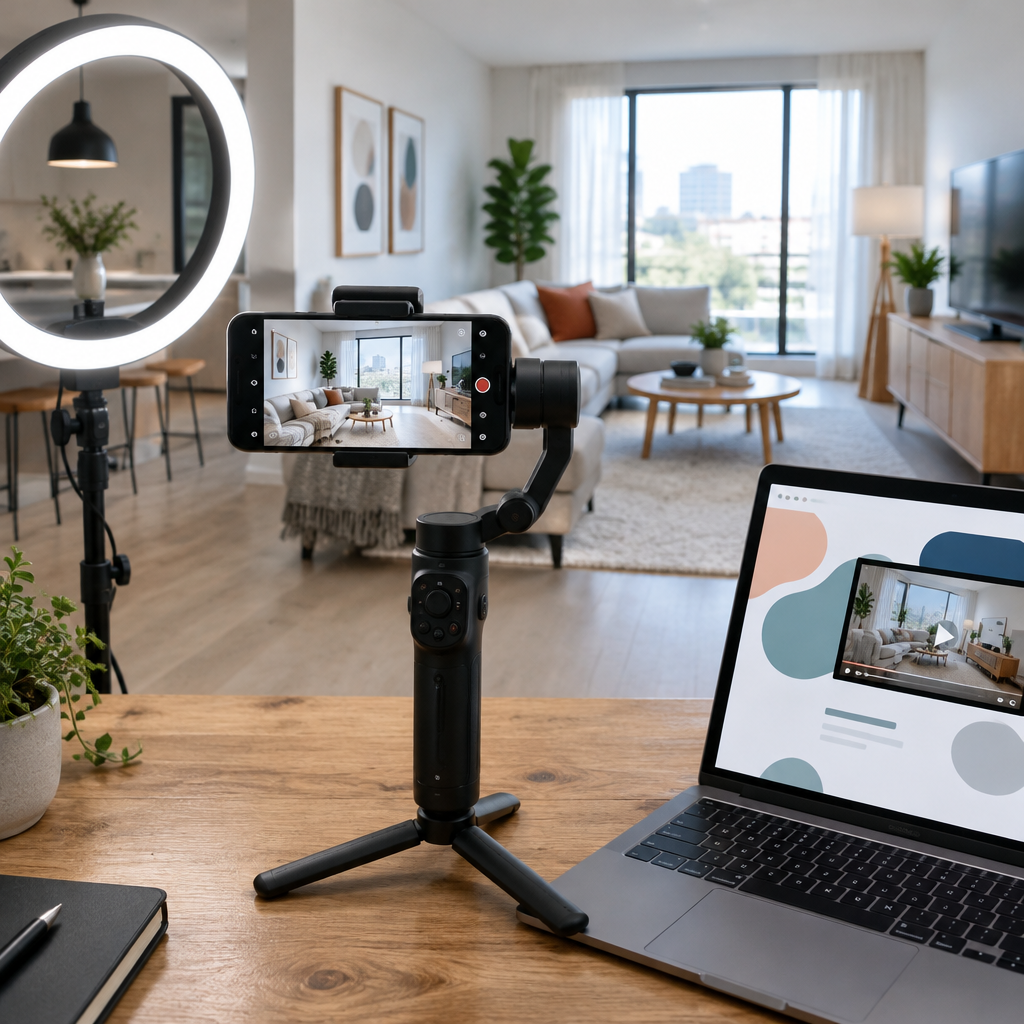
How to Integrate Social Media With Your Real Estate Website
Social media is the top source of quality leads for agents (39%), yet most feeds point at homepages. The eight-step loop that turns posts into recorded leads.
Social media is where most property businesses get noticed, and your website is where that attention either becomes a lead or evaporates. The gap between the two is usually not effort — it is plumbing. Links point at homepages, posts carry no tracking, enquiries arrive in three inboxes, and nobody can say which channel produced the last sale.
This guide covers what the research says about social as a lead source, then the integration work that turns a feed into a pipeline: the loop, the pages to point at, the tags to use and the numbers worth checking.
Social media is the top lead source, and buyers arrive already warmed up
NAR's 2025 REALTORS® Technology Survey asked agents which technologies produced the highest number of quality leads. Social media came first at 39%, ahead of CRM at 23% and the local MLS at 17% (NAR 2025 REALTORS® Technology Survey). Social media is also one of the most widely adopted tools in the same survey, alongside eSignature.
The same report explains why integration matters more than posting volume: 66% of agents say they adopt technology mainly to save time, and 64% to improve the client experience. A feed that generates direct messages nobody logs is not saving time.
On the buyer side, information sources have diversified. In NAR's 2026 generational report, 85% of recent buyers used a real estate agent for information, 70% used a mobile or tablet, and 52% used an online video site, ahead of open houses at 48% and yard signs at 32% (NAR 2026 Home Buyers and Sellers Generational Trends). Video is not a nice extra for a property site; it is a channel half your buyers already use.

The website still does the closing job
Attention on social is rented. The website is the part you own, and it carries the tasks social cannot: the full listing with floor plans, the area guide, the mortgage calculator, the form that captures an enquiry with consent.
That division of labour is worth stating explicitly, because it decides what you link to:
| Channel | Job | What it should link to |
|---|---|---|
| Instagram / TikTok | Attention and personality; short walkthroughs | One link in bio to a page with current listings, not the homepage |
| Local community, groups, event and open-house posts | Open-house page or area guide | |
| YouTube / video sites | Longer tours and neighbourhood explainers | The matching listing page or area page |
| Investor, commercial and referral relationships | Market update or service page | |
| Email / newsletter | Nurture between listings | Saved-search or new-listing page |
| Your website | Conversion and record-keeping | Its own internal links, plus portal listings |
Keep one canonical page per property and one per area, and point every post at those pages. When you change a price or status, change it once.
The loop: eight steps from post to pipeline

- Publish. Post the listing, the walkthrough or the area explainer.
- Click. Every link carries a campaign tag so the visit is identifiable later.
- Land. The visitor arrives on a page about the thing they clicked, not a generic homepage.
- Capture. A short form, a click-to-call or a WhatsApp link, with consent language.
- Record. The enquiry lands in one CRM, not three inboxes and a notebook.
- Follow up. A reply within the hour, then new-listing alerts that match what they asked for.
- Attribute. Compare leads and deals by channel, not just likes.
- Repurpose. The listing, the photos and the questions buyers asked become next week's content.
Five integration jobs worth doing first
1. Make link previews look like a listing, not a logo
When a post links to a property page, the preview card is the first impression. Set a per-page title, description and image on listing and area pages so shared links show the property photo, price band and location rather than a generic site banner. On a WordPress or custom site this is the page's metadata; on most builders it is a per-page social preview field.
2. Tag every link
Add a campaign tag to each channel and post type — for example source, medium and campaign — so analytics can separate Instagram traffic from Facebook traffic and from email. Without tags, "social" becomes one unhelpful bucket and you cannot tell a reel from a paid ad.
3. Track the actions that matter, and get consent first
A tracking pixel or tag records page views and specific actions such as form submissions and phone clicks. Set up only the events you will act on: lead form submitted, WhatsApp clicked, calculator used, listing saved. Then be straight about privacy. In the UAE, processing personal data is governed by the UAE PDPL (Federal Decree-Law No. 45 of 2021); for visitors in the EU, GDPR applies. In practice that means a consent notice before non-essential tracking, a privacy policy that names your tools, and a way for people to withdraw.
This section is general information, not legal advice; confirm your setup with a qualified adviser.
4. Bring the lead forms home
Native lead forms on social platforms are convenient but often leave the lead inside the platform. Where you use them, export or connect them to the same CRM as website forms so one person does not appear as three records. Website forms should ask for the least you need — name, contact, what they are looking for — and confirm what happens next.
5. Feed listings from one source
If your website, portal profiles and social posts each hold their own copy of a listing, they will disagree within a month. Keep the listing record in one place, generate the website page and portal feed from it, and use the same photos and facts for social captions.
Where video fits, and why it is worth the effort
With 52% of buyers using an online video site, the highest-value integration is often the simplest: put video on the property page, where the buyer is already reading. A short vertical walkthrough for social and a longer horizontal tour for the website can be cut from the same shoot. Keep files light and load players only when the visitor presses play, or the page pays for the video twice in speed.
What to measure monthly
Skip vanity counts first. Track sessions by channel, enquiries by channel, cost per enquiry, and — the number that settles arguments — deals where social was the first touch. Compare three months, not three days. If social sends traffic that never enquires, the landing page is wrong. If enquiries arrive but never convert, the follow-up is wrong.

Key takeaways
- Social media is the top source of quality leads for REALTORS® at 39%, ahead of CRM at 23% (NAR 2025 Technology Survey).
- Buyers research across channels: 70% use mobile or tablet and 52% use an online video site (NAR 2026 Generational Trends).
- Point posts at specific listing and area pages, never the homepage.
- Tag every link and record every enquiry in one CRM, or attribution is guesswork.
- Get consent before non-essential tracking; UAE PDPL and GDPR both apply depending on your audience.
- Measure enquiries and deals by channel monthly, and repurpose the content that worked.
Next step
If you are building or rebuilding a property site and want social to feed it properly, start with the pages buyers land on. UAE Realty is a UAE property portal where buyers and tenants browse listings and owners and agents can list a property; the area guides and calculators show the kind of destination pages your posts should be linking to.
Sources
- 2025 REALTORS® Technology Survey — National Association of REALTORS® · accessed 21 Nov 2026
- 2026 Home Buyers and Sellers Generational Trends — National Association of REALTORS® · accessed 21 Nov 2026
- Highlights from the Profile of Home Buyers and Sellers — National Association of REALTORS® · accessed 21 Nov 2026