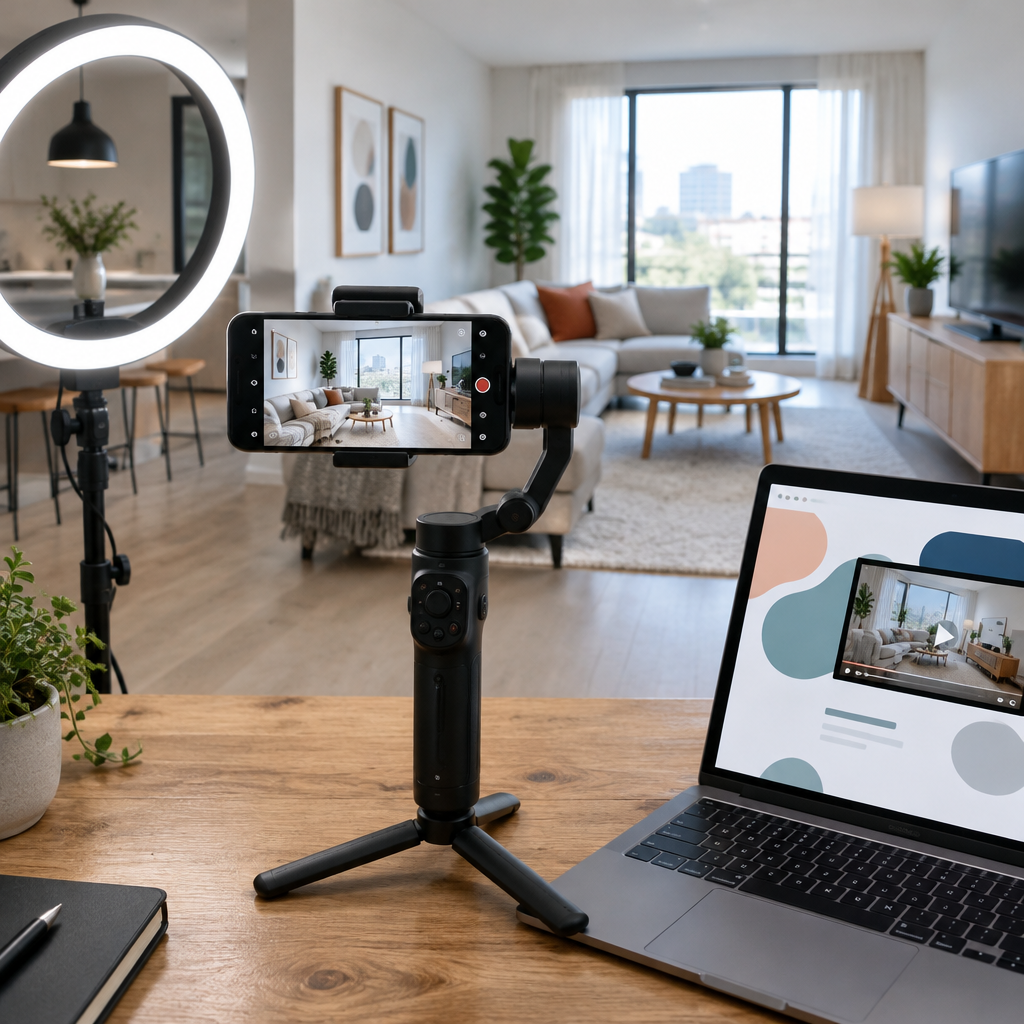
Creating a Real Estate Buyer Consultation Page
The seven sections a buyer consultation page needs, the five qualifying questions worth asking, how to record consent under the UAE PDPL, and verified Calendly pricing.
A buyer consultation page is the one page that turns quiet research into a booked conversation. Most sites stop at a contact form, which asks for a message but not a decision. This page explains what the call is for, asks questions that change how you prepare, records consent properly, and offers a calendar instead of an inbox.
Why this page needs its own URL
Buyers do most of their work before they speak to anyone. In NAR's 2025 profile, 43% said their first step was looking at properties online, against 21% who contacted an agent first, and 51% found the home they bought on the internet (NAR 2025 Profile of Home Buyers and Sellers). The 2026 edition puts the internet share at 52% and the agent share at 27% (NAR 2026 Home Buyers and Sellers Generational Trends).
That traffic rarely turns into a conversation. Asked how they found the agent they used, 40% of buyers named a referral, 17% had used the agent before, 7% asked about a property they saw online and 6% found the agent on a website with no property in mind (NAR 2025 Profile). Those last two groups are the ones a website can win, and they arrive without referral trust.

The first screen has four jobs
Before anyone scrolls, the top of the page has to answer four questions in plain language:
- Is this for me? Name the audience: first-time buyers, investors, relocating families.
- What happens if I book? A 30-minute call and what you will cover.
- What does it cost me? Say free and no obligation once, clearly.
- What do I click? One primary button, not "contact us" and "book now" side by side.
Design for the phone first: 70% of buyers named a mobile or tablet as an information source, ahead of open houses at 48% and yard signs at 32% (NAR 2026 Generational Trends).
Seven sections, in this order

| # | Section | Its job | Keep it to |
|---|---|---|---|
| 1 | Hero | State the offer and the action | One headline, one sub-line, one button |
| 2 | Proof strip | Borrow credibility | Photo, licence or registration number, languages, years active |
| 3 | What happens on the call | Remove uncertainty | Three numbered steps and the total duration |
| 4 | Qualifying form | Prepare you, not interrogate them | Five fields, budget bands, one consent box |
| 5 | Embedded calendar | Convert intent immediately | One 30-minute event type, time zone detected automatically |
| 6 | FAQ | Answer the last objections | Fees, readiness, what to bring, areas covered |
| 7 | Fallback contact | Catch the visitor who will not book | WhatsApp, phone, email, and when you reply |
Order matters most between sections 4 and 5. Form-first gives you a qualified record even when the visitor leaves without booking; calendar-first usually books more calls but tells you nothing about the people who hesitate. For a solo agent, form-first with three required fields is the better trade.
Say what the call is not. Buyers hesitate because they expect a pitch or pressure to sign an agency agreement. One sentence — "no obligation, and you leave with a shortlist and a plan" — removes more friction than any design change.
Qualifying questions that earn their place
The test for every field: does the answer change what you do in the 30 minutes? If not, ask it on the call. Five or six fields is the practical ceiling.
| Question | Why it changes the call | Format |
|---|---|---|
| Are you already working with an agent? | Avoids duplicating someone else's work and an awkward first minute | Yes / No / Just researching |
| What is the purchase for? | Live-in, investment or a second home leads to different advice | Three options |
| When would you like to buy? | Sets how much preparation is realistic | 0–3, 3–6, 6–12 months, exploring |
| How are you funding it? | Cash, a pre-approved mortgage or a broker introduction each change the shortlist | Four options |
| Which areas are you considering? | Lets you bring comparable sales and honest area notes | Multi-select of the areas you cover |
| What is your budget band? | Enough to prepare a shortlist, without demanding a number people dislike giving | Three or four bands for your own market |
Two habits make the form work: use budget bands rather than an exact figure, and do not collect identity documents or salary details you would only need after a client engages. An unused field is a liability.
Consent: the record, not the checkbox
In the UAE, Federal Decree-Law No. 45 of 2021, the Personal Data Protection Law, came into force on 2 January 2022 and prohibits processing personal data without the owner's consent, apart from limited cases such as public interest or legal procedures; it also gives people the right to correct inaccurate data and to restrict processing (UAE Digital Government).
For a consultation page, that translates into a short list of habits:
- Keep the consent box unticked by default and separate from any marketing opt-in.
- Link the privacy policy from the form, next to the consent wording, not only in the footer.
- Store the exact wording the visitor agreed to, plus the timestamp and the page URL. A checkbox without a record proves nothing.
- Name the tools that receive the data; a booking tool stores the name, email and answers typed into it.
- Set a retention period and give a way out: "reply stop and we delete your details".
This is general information, not legal advice; have your own consent wording and privacy policy reviewed.
Booking tools: what verified pricing looks like
Calendly publishes its tiers openly, which makes it a useful benchmark. Prices below are as listed on the vendor's pricing page in November 2026, on the billed-yearly view (Calendly pricing).
| Plan | Price as listed | What it includes for a consultation page |
|---|---|---|
| Free | US$0 | One event type, one calendar connection, one-on-one scheduling, browser extension |
| Standard | US$10 per seat/month, billed yearly | Unlimited event types, multiple calendars, reminders, Stripe and PayPal payments, HubSpot, Mailchimp and Zapier, Google Analytics and Meta Pixel |
| Teams | US$16 per seat/month, billed yearly | Everything in Standard plus round-robin and team scheduling, and lead routing and screening |
| Enterprise | Starts at US$15,000 per year, minimum 50 seats | Salesforce routing, SSO and SAML, audit log, onboarding |
At the fixed peg of 1 USD = 3.6725 AED, Standard is about AED 36.73 and Teams about AED 58.76 per seat per month. Calendly also states that invitees who book do not need an account or seat, so the bill scales with agents, not buyer enquiries.

For context, 34% of REALTORS told NAR they spend between US$50 and US$250 a month on technology and 24% spend more than US$500 (NAR 2025 REALTORS Technology Survey), so one Standard seat sits at the bottom of the most common band.
Before paying for any tier, check whether the booking page carries your branding and a custom confirmation page, whether the calendar embeds inside your own page rather than opening a new site, and where the booking data lives.
Measure the page, not the traffic
Four events are enough: page views, form starts, completed bookings and calls that actually happened. The gap between the last two is what to fix, usually with a confirmation email, a reminder and a reschedule link. Keep the WhatsApp fallback from day one; how many people choose it over the calendar tells you what the page is really competing with.
Key takeaways
- Give the consultation its own URL; it is the only page aimed at buyers who arrive with no referral.
- Answer audience, format, cost and next action in the first screen, on a phone-sized layout.
- Seven sections: hero, proof, agenda, qualifying form, embedded calendar, FAQ, fallback contact.
- Ask five or six questions that change how you prepare, using budget bands rather than exact figures.
- Record consent with its exact wording, timestamp and page URL, and name the booking tool in your privacy policy.
- Calendly's listed pricing starts at US$0, US$10 and US$16 per seat per month on yearly billing, with Enterprise from US$15,000 a year.
Next step
Build the page around one clear offer, then point your listing pages at it. If you are buying in the UAE, start by browsing what is actually on the market at UAE Realty, where you can also list your property or check what your budget buys with the property calculators before you book a call. If you would rather have the page built for you, MAH Integrated Solutions designs and builds real estate websites, apps and automation.
Sources
- Highlights from the Profile of Home Buyers and Sellers (2025) — National Association of Realtors · accessed 21 Nov 2026
- 2026 Home Buyers and Sellers Generational Trends — National Association of Realtors · accessed 21 Nov 2026
- 2025 REALTORS Technology Survey — National Association of Realtors · accessed 21 Nov 2026
- Calendly pricing — Calendly · accessed 21 Nov 2026
- Data protection laws in the UAE (Federal Decree-Law No. 45 of 2021) — UAE Digital Government (u.ae) · accessed 21 Nov 2026